Input
Happy birthday, hope your day is amazing
Emoji output
🎂🎉🥳🎈✨
Powered by AI, MojiMagic: Text to Emoji instantly converts your text into the perfect emojis. Make your messages more expressive, fun, and engaging.
Enter any text you want to convert into emojis.
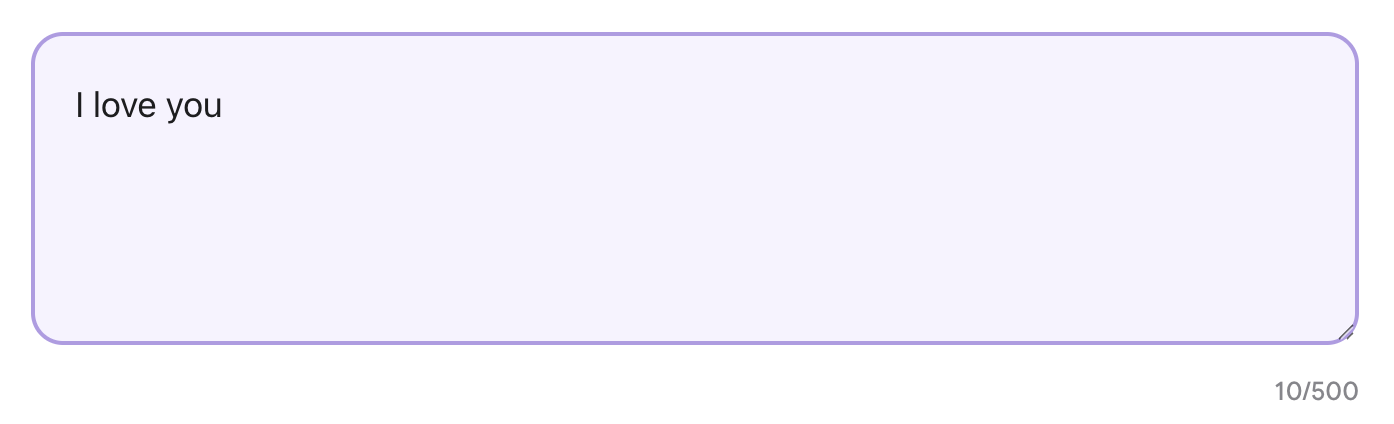
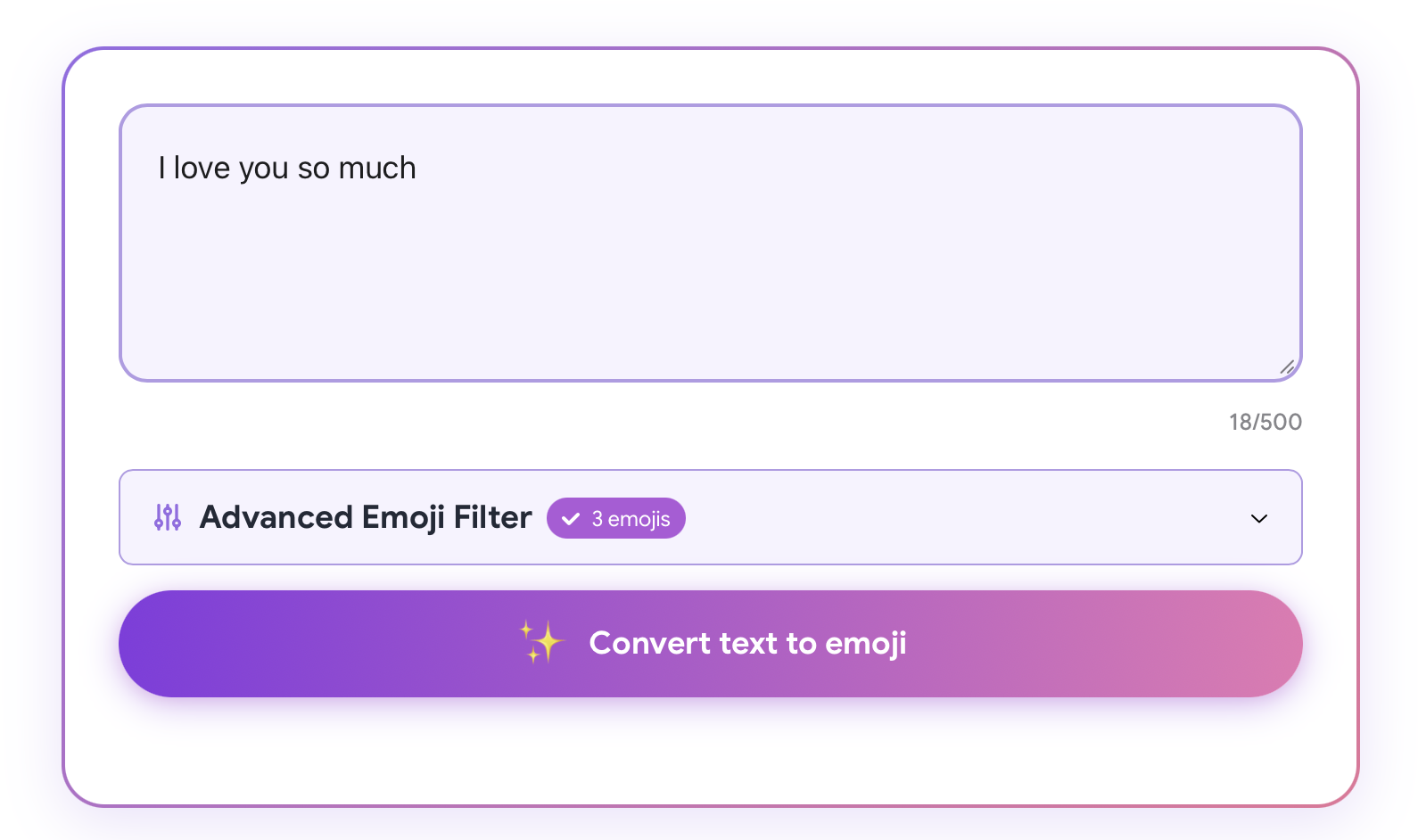
Our AI analyzes your text and understands the context.
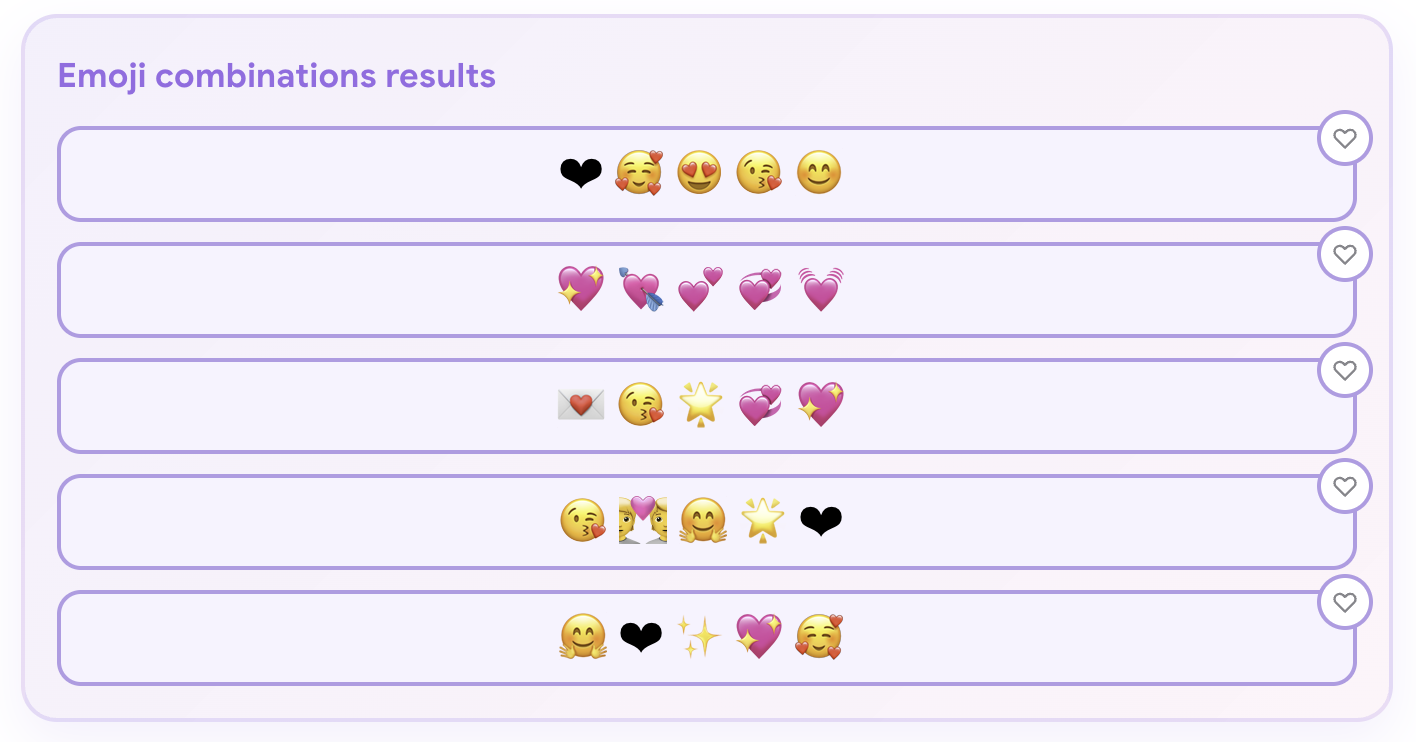
Receive perfectly matched emojis that enhance your message.
Try with advanced settings and experiment with different words and phrases.
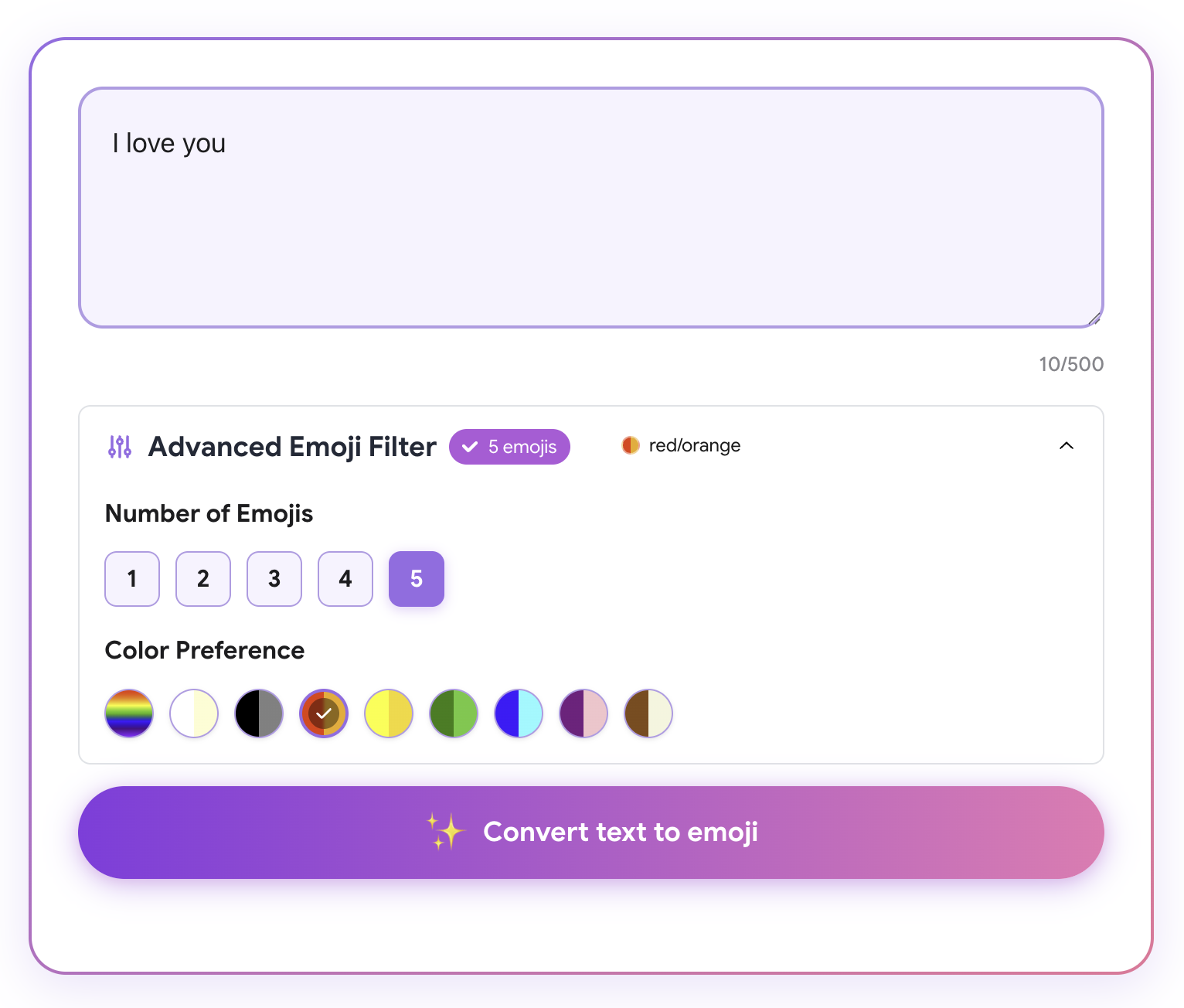
Input
Happy birthday, hope your day is amazing
Emoji output
🎂🎉🥳🎈✨
Input
Good morning sunshine
Emoji output
🌅☀️😊🌻✨
Input
Thank you so much for your help
Emoji output
🙏💖✨😊👍
Input
I love you more every day
Emoji output
💜💖🌸📈💗✨
Input
Sunday reset mode
Emoji output
☀️🧘♀️☕📖😌
Input
POV you finally made it happen
Emoji output
👀🏆🥳🍾✨
Input
Pizza night with friends
Emoji output
🍕🎉🧑🤝🧑😋🌃
MojiMagic is a free AI text to emoji converter that turns plain words into expressive emoji combinations. Type a sentence, caption, or short message and get emojis that match the meaning instead of guessing one icon at a time.
Use it as an AI emoji generator for social posts, text messages, chat replies, product updates, and moments when your message needs a little more personality.
Your text is sent only when you press convert so MojiMagic can generate emoji suggestions. Keep sensitive personal, financial, or account information out of prompts.
Read the privacy policy →Add quick emotion to everyday messages without scrolling through the emoji keyboard.
Turn Instagram, TikTok, and LinkedIn captions into more expressive posts.
Find emoji combinations for group chats, DMs, and replies when words feel flat.
Draft friendlier campaign copy, product updates, and announcements with fitting emojis.
The best emoji messages still read like something a person would write. Use the converter as a draft generator, then tune the output for the channel, relationship, and image or video it will appear with.
A good emoji set starts with the real situation: morning routine, birthday dinner, date night, workout, travel day, or product launch. Specific scenes lead to more useful emoji choices.
Keep the original sentence readable, then use emojis to add mood, action, or visual rhythm. This works better than replacing every word with a symbol.
A private text can be warmer and more personal, while a public caption usually needs fewer repeated symbols and a clearer first line.
A text to emoji converter reads words, captions, or short messages and suggests emojis that match the meaning, tone, and context.
Yes. MojiMagic uses AI to generate emoji combinations from your text, so you can quickly choose the option that fits your message.
You can convert personal texts, social captions, chat replies, announcements, and short marketing messages.
No. The web converter works in your browser, and the iOS app is available when you want the same tool on your phone.